We're diving deep into the fascinating world of facial recognition for secure logins. We'll be breaking down a real-world code example to understand exactly how a "Login via Face" system might work under the hood. It's more than just a quick scan; there's some serious tech at play!
Overview of Face Detection and Recognition
You’ve probably experienced it — you glance at your phone or laptop, and bam, you’re in. No typing, no passwords. But what actually happens under the hood when you log in with your face? Spoiler: it’s way more than just taking a selfie. Let’s break it down step by step.
Our app performs both tasks: it detects faces in real-time video streams or static images, and it identifies individuals by comparing their facial features to those stored in a pre-existing database. The ability to handle both detection and recognition efficiently is the result of sophisticated machine learning techniques and deep learning architectures, which we will delve into as we go along.
Step 1: Capturing Your Face
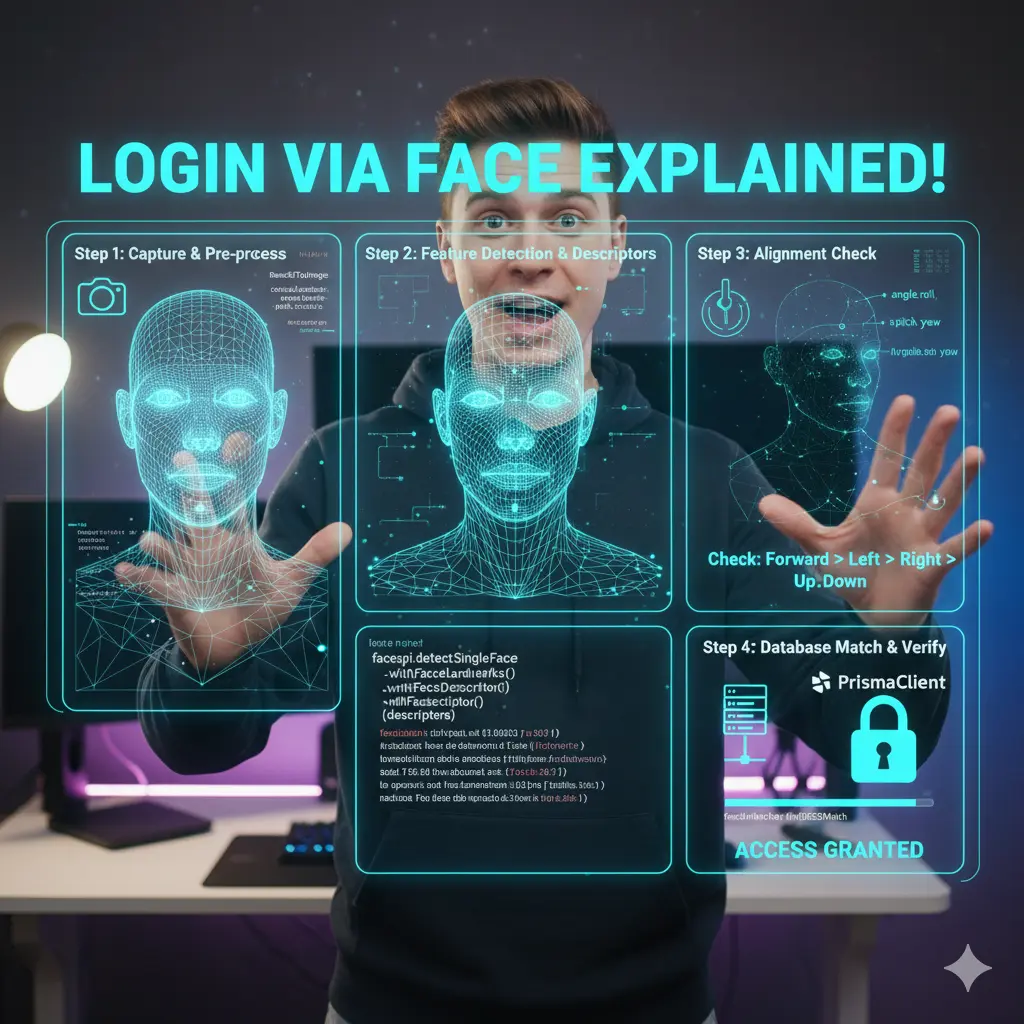
It all starts when you initiate face login. Your device grabs an image (or sometimes a frame from a video). But that raw photo isn’t ready for recognition just yet — it needs pre-processing.
The system usually converts the captured data (often a Base64 string) into a standard image format and loads it into memory. Think of this step as “prepping the canvas” before painting. Without clean input, the rest of the system won’t work reliably.
Step 2: Spotting Key Features
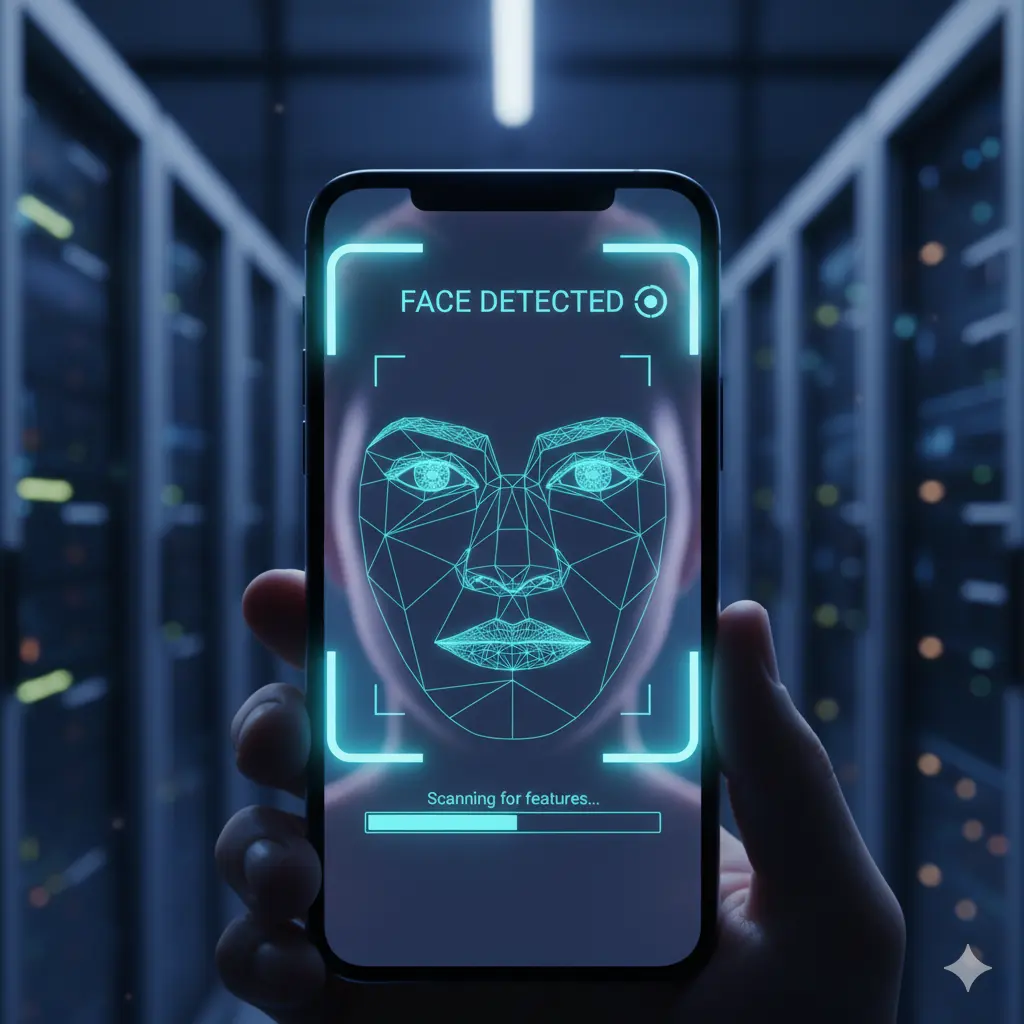
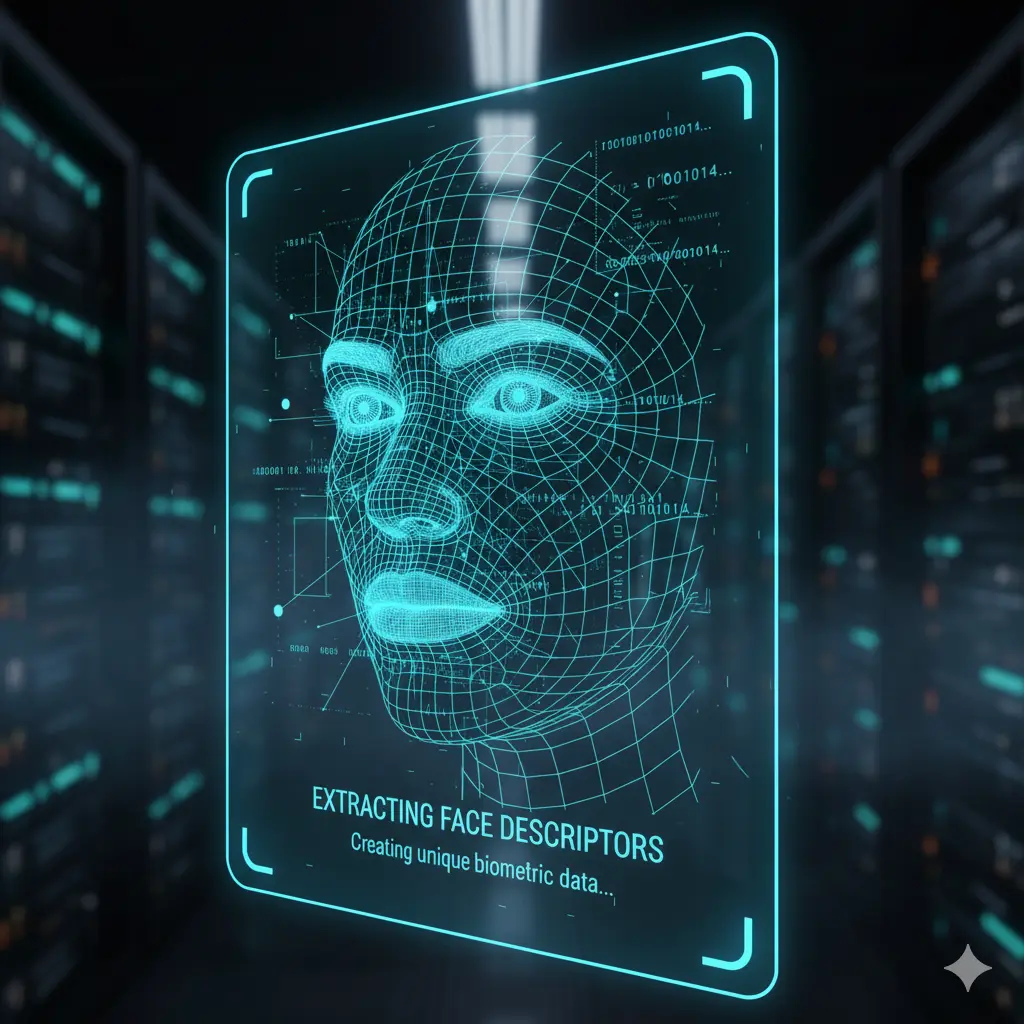
Now comes the magic of face detection and feature extraction. The software identifies that yes, this is a face, and then maps out unique reference points — eyes, nose, mouth, chin, etc. These are called landmarks.
But it doesn’t stop there. The system converts your face into a unique numerical representation, known as a face descriptor. Imagine it as a digital fingerprint made of hundreds of numbers. This descriptor lives in a high-dimensional space (math nerds, think vectors), making it distinct from anyone else’s.
This is the heart of face recognition: not just seeing your face, but encoding it into data.
Step 3: Proving You’re Real (Liveness Checks)
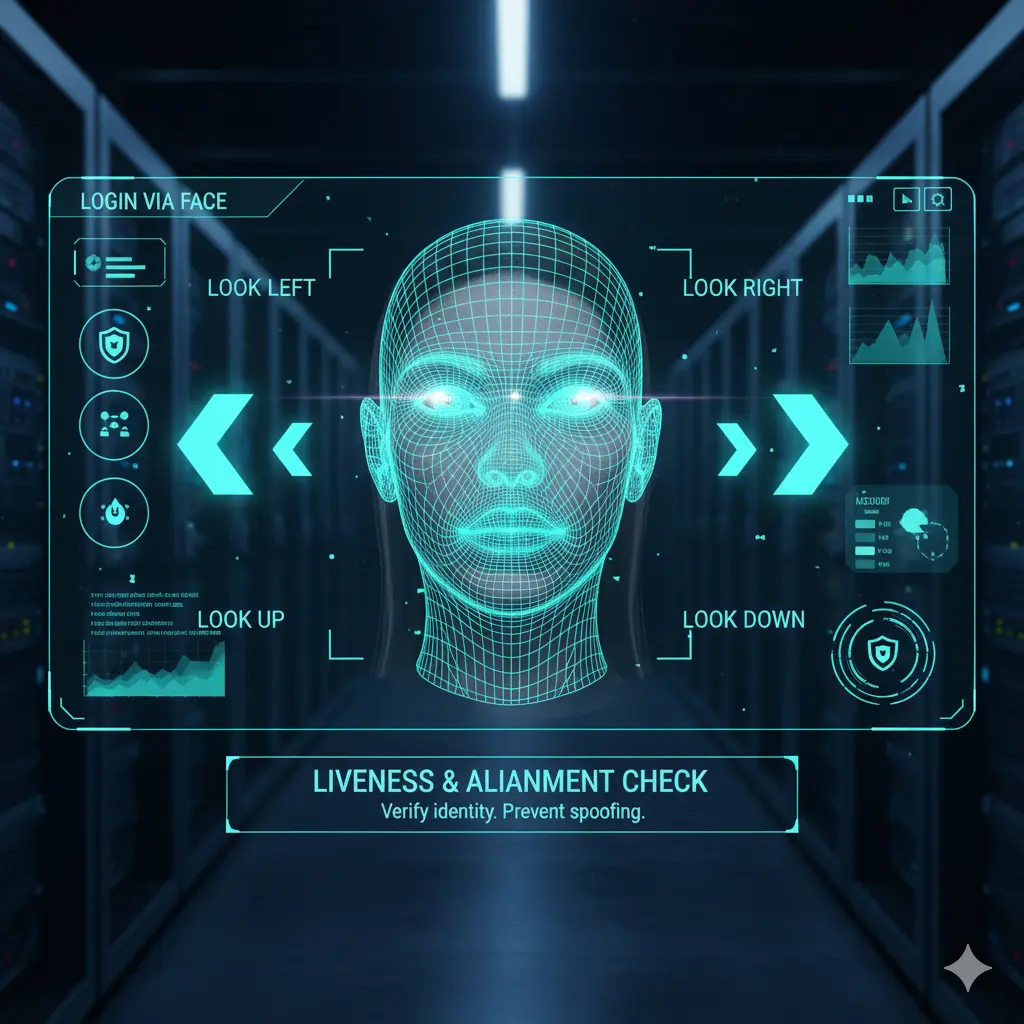
Of course, systems need to know you’re not just holding up a photo of yourself. That’s where alignment and liveness checks come in.
During setup, it may ask you to look straight, turn left, right, up, or down. By capturing multiple angles, the system becomes more robust against spoofing. A flat picture can’t follow these instructions, but you can.
If your head’s not positioned correctly, the system gently nudges you with prompts like “Look Straight Ahead” or “Turn Left.”
Step 4: Matching Against the Database
Once your descriptor is ready, it’s time for the ultimate test: Do you match someone in the system’s database?
There are two cases here:
- Enrollment (first-time setup) → Your descriptors get stored in the database, linked to your user ID.
- Recognition (logging in) → The system pulls all stored descriptors and compares them with your freshly captured one.
The comparison happens using a distance score. If the distance between two descriptors is small enough (below a security threshold like 0.5), it means the system has found a match. If not, you’ll be flagged as “Unknown Person.”
This threshold is super important: set it too low, and the system may not recognize you. Too high, and it may mistakenly grant access to someone else.

Step 5: Access Granted
If the best match passes the threshold, the system links the recognized face back to your user account. Just like that, you’re logged in — no passwords needed.
Challenges in Implementing Face Login
Challenges in Implementing Face Login: Accuracy & False Positives/Negatives — ensuring the model correctly recognizes the user and doesn’t mistakenly allow access to someone with similar features. Challenge: Handling lighting changes, camera quality, and different angles. Image Quality & Preprocessing — raw images from cameras are noisy. Challenge: Cropping the face region, normalizing brightness/contrast, and resizing images consistently. Liveness Detection (Anti-Spoofing) — preventing login with a printed photo or video. Challenge: Adding checks like blinking, head movement, or using depth detection. Performance Optimization — face recognition models can be heavy. Challenge: Running ML inference in real time on low-end devices without lag.
Data Privacy & Security — storing facial data securely. Challenge: Deciding whether to store embeddings locally (on device) or on the server, and encrypting them. Cross-Device Consistency — a face registered on one device should also work on another (if allowed). Challenge: Handling variations in camera specs and resolutions. Integration with Authentication System — linking face recognition with existing login/signup flow. Challenge: Handling fallback methods like password/OTP if face login fails. Handling Edge Cases — glasses, masks, beard growth, makeup, or hairstyle changes affecting recognition. Challenge: Keeping recognition robust under these conditions.
Conclusion
So, logging in with your face isn’t just a photo check. It’s a sophisticated dance of:
- Capturing and prepping your image
- Extracting mathematical descriptors of your unique features
- Ensuring you’re a live person with alignment checks
- Comparing your face against a secure database with precise thresholds
It’s a blend of AI, math, and smart engineering that makes face login feel so effortless.
Next time your phone unlocks with just a glance, you’ll know the layers of tech that make it happen.
Read more blogs here