Get a Free Development Strategy Consultation
Tell us about your project - we'll respond within 24 hours with tailored recommendations.
Pharmacy Software Integration in UAE: Connecting Inventory, Billing and Claims
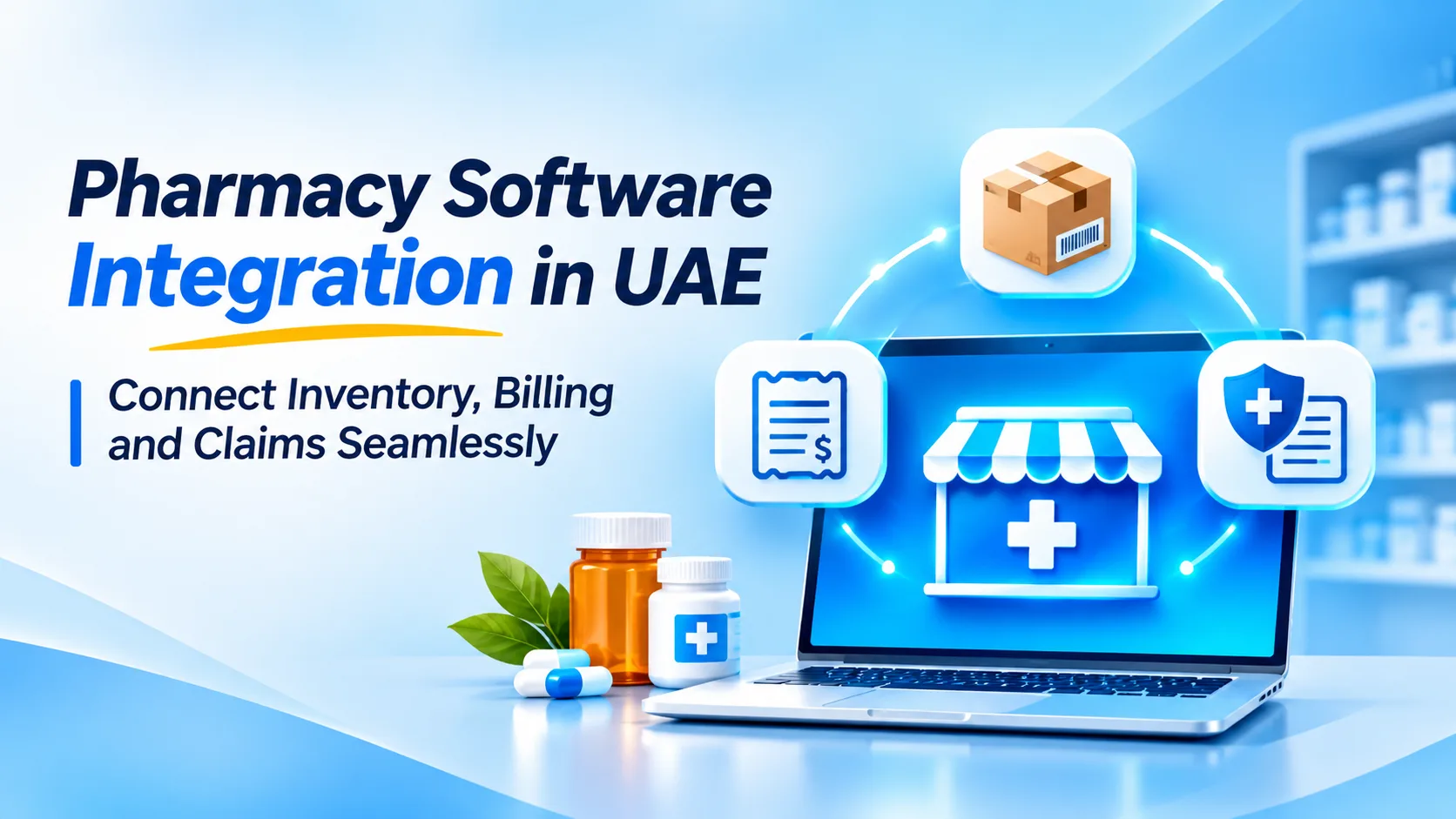
A pharmacy can have accurate stock records, a reliable billing system and an insurance claims platform, yet still lose valuable time when these systems don't communicate with one another. Staff end up entering the same information multiple times, checking stock manually and correcting billing discrepancies that could have been prevented.
That's where Pharmacy Software Integration UAE becomes important. By connecting inventory management, pharmacy billing and insurance claims into one coordinated workflow, healthcare businesses can improve operational visibility, reduce manual work and manage pharmacy operations more effectively.
Working with a reliable Software Development Company helps businesses build integration solutions around their existing systems instead of replacing every application they already use.
This guide explains how pharmacy software integration works, which systems need to communicate, the technologies involved and what businesses should consider when developing a connected pharmacy management solution.
Quick Answer: What Is Pharmacy Software Integration?
Pharmacy software integration connects different pharmacy applications, databases and external healthcare platforms so they can exchange information automatically and consistently.
It typically connects three important operational areas:
- Inventory management: Tracks medicine quantities, batches, expiry dates and stock movements.
- Pharmacy billing: Processes prescriptions, product charges, payments and transaction records.
- Insurance claims: Manages eligibility checks, pre-authorisations, claim submissions and reimbursement updates.
For example, when a medicine is dispensed, the inventory system updates the available quantity, the billing module records the transaction, and the claims module receives the relevant prescription and billing information.
Instead of managing these activities separately, businesses can establish a connected workflow that reduces duplicate data entry and improves information accuracy.
Why Is Pharmacy System Integration Important for Healthcare Businesses?
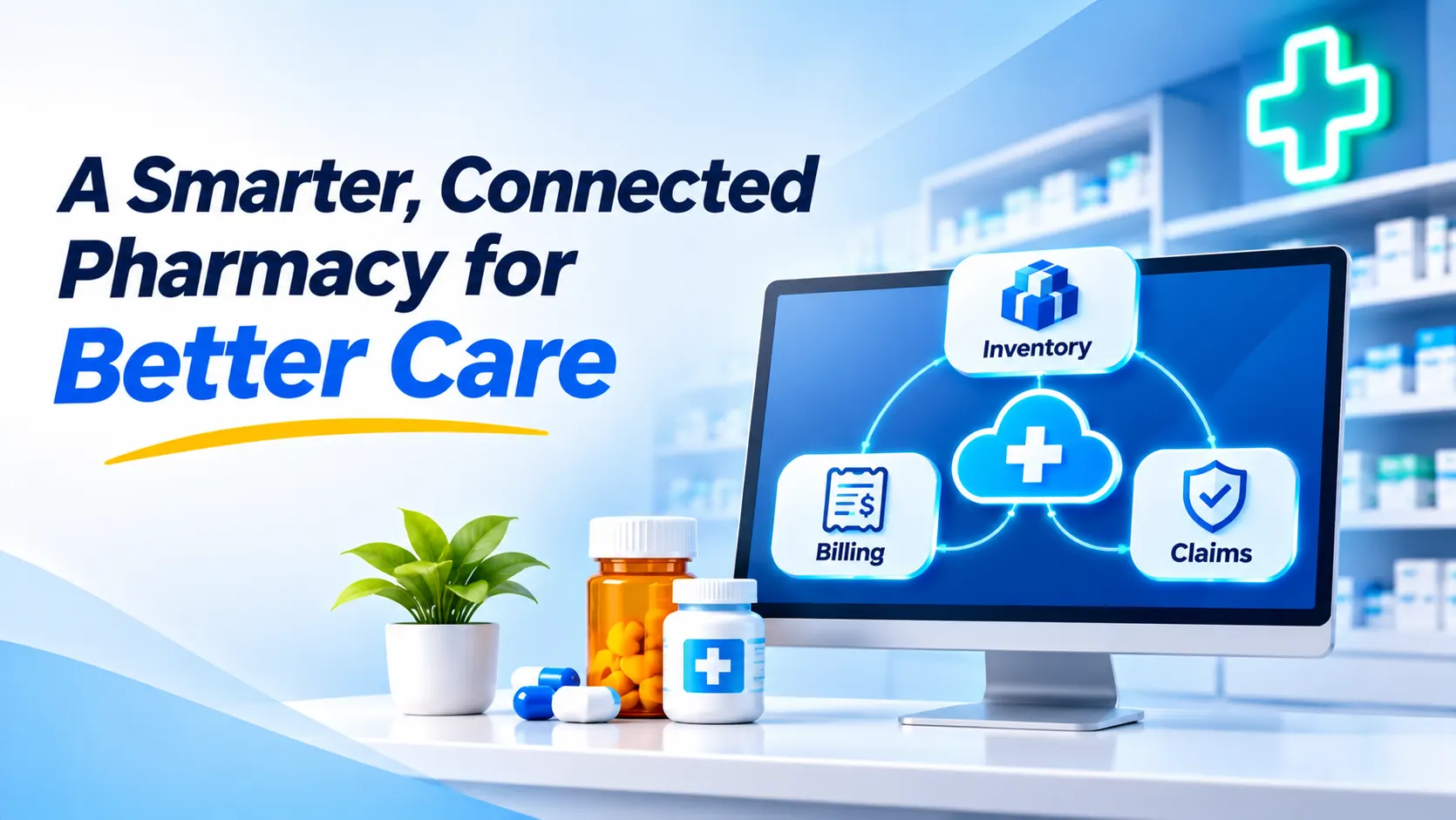
Pharmacy System Integration UAE helps pharmacies, healthcare providers and pharmacy groups coordinate their operational and financial information through connected software.
When different systems operate independently, even a small data mismatch can create unnecessary administrative work. An inventory record might show that a medicine is available while the billing system displays outdated information. Similarly, a claim might contain incomplete prescription details because information was entered manually.
Integration addresses these problems by establishing consistent communication between applications.
Key business benefits include:
- Reduced manual data entry: Information moves between connected systems without repeated input.
- Improved operational visibility: Management can access updated inventory, billing and claims information.
- Fewer reconciliation issues: Connected transaction records make discrepancies easier to identify.
- Better stock management: Dispensing and purchasing activities can update inventory records.
- Improved financial tracking: Businesses can monitor pending claims, payments and outstanding reimbursements.
- Scalable operations: Integrated architecture makes it easier to support additional branches and applications.
For organisations planning wider Digital Transformation in Healthcare, pharmacy integration can provide an important foundation for connecting administrative, financial and clinical workflows.
Discuss Your Pharmacy Integration Requirements
How Does Pharmacy Inventory Integration Work?
Pharmacy Inventory Integration connects stock management with purchasing, dispensing, billing and supplier systems to maintain consistent medicine records.
Inventory management involves more than checking how many products are available. Pharmacy businesses must also monitor batch numbers, expiry dates, product movement, supplier deliveries and stock adjustments.
An integrated system makes these activities easier to manage.
1. Real-Time Stock Updates
When a medicine is dispensed or sold, the inventory module receives the corresponding transaction information and updates the available quantity.
For example, if a pharmacy records 100 units of a medicine and dispenses 12, the available stock should update to 88, subject to any returns, adjustments or reserved quantities.
This helps pharmacy teams work with more reliable stock information.
2. Batch and Expiry Date Management
Medicine batches and expiry dates require careful tracking.
An integrated inventory system can maintain:
- Batch identification numbers.
- Manufacturing and expiry dates.
- Available quantities by batch.
- Stock receipt and dispensing history.
- Expiry notifications.
- Product return records.
These details help businesses identify medicines approaching expiry and improve stock rotation.
3. Automated Reordering and Supplier Integration
Inventory software can use predefined minimum stock levels and historical consumption data to generate replenishment suggestions.
Supplier integration can also connect purchase orders, delivery confirmations and goods-received records.
However, automated purchasing should follow approval rules. A suggested order should not automatically become a confirmed purchase unless the business has explicitly configured that workflow.
4. Multi-Branch Inventory Synchronisation
Pharmacy chains need visibility across multiple locations.
A centralised inventory system can display stock availability by branch, record inter-branch transfers and provide consolidated inventory reports.
This makes it easier for management to identify excess stock, shortages and purchasing requirements.
How Does Pharmacy Billing Integration Improve Financial Accuracy?
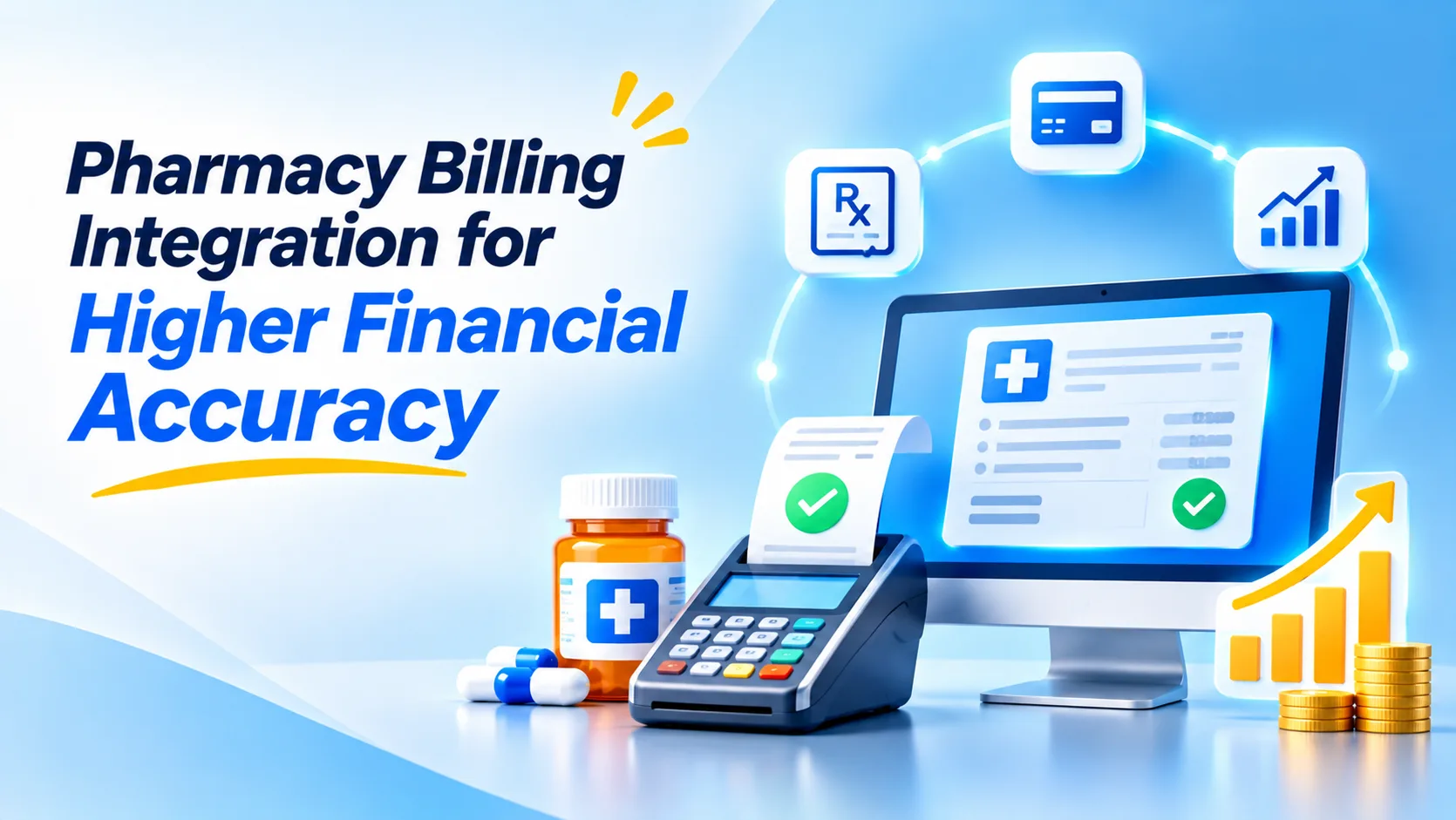
Pharmacy Billing Integration connects dispensing, prescription information, product pricing, payment processing and financial records.
Without integration, employees may need to enter prescription details into one application and manually recreate transaction information in another.
This increases administrative effort and creates opportunities for errors.
A connected billing workflow can support:
- Automatic transaction recording: Once a sale is completed, the billing system records the transaction and updates the relevant inventory information.
- Prescription-linked billing: Product and prescription details can be associated with the correct transaction, subject to the applicable workflow.
- Payment reconciliation: Cash, card and other payment records can be compared against completed transactions.
- Financial reporting: Management can review sales, refunds, payment collections and outstanding balances through consolidated reports.
- Tax and pricing records: Configured pricing rules, applicable taxes and transaction details can be maintained consistently.
For healthcare organisations developing more advanced billing applications, Healthcare Software Development Services can support the development of connected applications tailored to specific operational requirements.
Need Help Connecting Pharmacy Billing Systems?
How Does Pharmacy Claims Integration Simplify Insurance Processing?
Pharmacy Claims Integration connects pharmacy dispensing and billing applications with the relevant insurance systems or claims processing platforms.
Insurance-related workflows can involve multiple stages, including eligibility verification, prior authorisation, claim submission, validation and reimbursement reconciliation.
When these activities are disconnected, pharmacy staff may spend additional time checking claim information and resolving incomplete submissions.
An integrated claims workflow can include the following steps:
- Patient and policy verification: Retrieve and validate the relevant insurance details through an authorised interface.
- Eligibility checking: Check whether the member's policy is active and whether the prescribed service is covered.
- Pre-authorisation: Submit a request when the applicable insurance plan requires prior approval.
- Claim preparation: Use the relevant prescription, dispensing and billing information to prepare the claim.
- Claim submission: Send the claim through the appropriate payer or claims platform.
- Response management: Record whether the claim is accepted, rejected or requires further information.
- Reconciliation: Match payment and remittance information against the submitted claim.
How Can Businesses Reduce Insurance Claim Rejections?
Claim rejections can occur because of incomplete information, invalid codes, eligibility issues, incorrect policy details or missing authorisation.
A well-designed integration can help reduce avoidable errors through:
- Mandatory field validation before submission.
- Consistent patient and insurance identifiers.
- Configurable payer-specific validation rules.
- Duplicate claim detection.
- Clear rejection reason tracking.
- Automated status updates.
- Resubmission and follow-up workflows.
Importantly, integration cannot guarantee that every claim will be approved. Insurers still apply their own coverage, medical necessity and policy rules.
What Systems Should a Pharmacy Management Platform Connect?
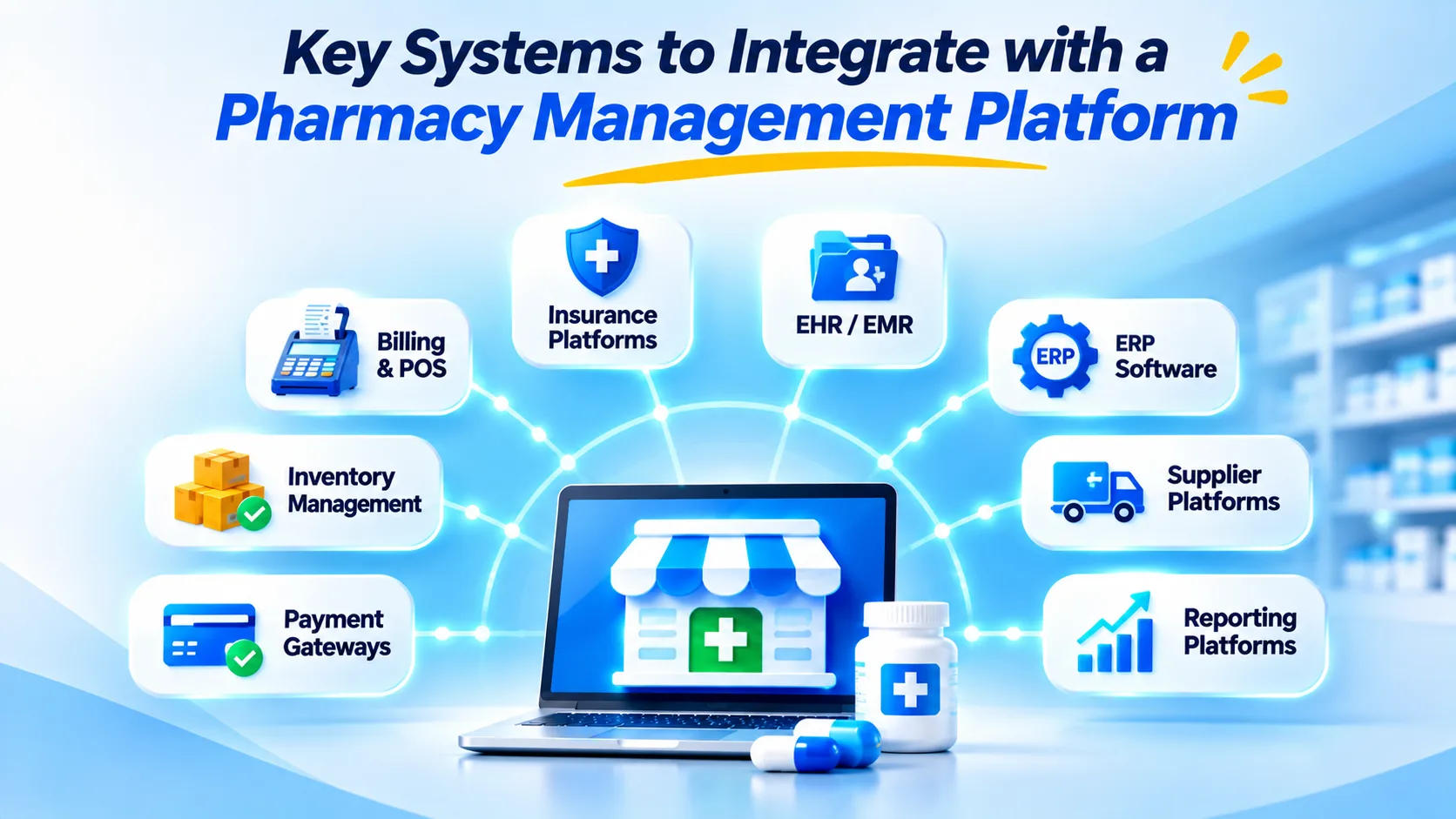
A connected pharmacy management platform may need to communicate with several internal and external applications.
The exact integration requirements depend on the organisation's operating model and existing technology infrastructure.
| System | Purpose of integration |
|---|---|
| Inventory management | Stock levels, batches and expiry information |
| Billing and POS | Sales, payments and transaction records |
| Insurance platforms | Eligibility, approvals and claims |
| EHR and EMR | Relevant patient and prescription information |
| ERP software | Accounting, procurement and financial reporting |
| Supplier platforms | Purchase orders and delivery information |
| Payment gateways | Transaction processing and payment confirmation |
| Reporting platforms | Operational and financial analytics |
For UAE implementations, businesses should also assess applicable local healthcare exchange, insurance and pharmaceutical traceability requirements. Depending on the relevant jurisdiction and integration scope, this may involve platforms such as eClaimLink, Shafafiya, Riayati, NABIDH, Malaffi or Tatmeen.
Not every pharmacy requires every connection. The appropriate interfaces must be verified against the organisation's licence, location, payer arrangements and current technical requirements.
What Technologies Enable Pharmacy Software Integration?
Reliable integration depends on more than connecting two applications. Businesses need a secure architecture that controls how information moves, where it is stored and how errors are handled.
Some of the commonly used technologies include:
1. Application Programming Interfaces (APIs)
APIs allow different applications to exchange information through defined requests and responses.
For example, a pharmacy billing application can request updated stock information from an inventory system through an API.
REST APIs are commonly used for application integration, while other interface patterns may be appropriate depending on the connected platform.
2. HL7 and FHIR Standards
HL7 and FHIR support the exchange of healthcare information between compatible systems.
FHIR provides structured resources and standardised interfaces that can help applications exchange relevant clinical information.
However, supporting a standard does not automatically guarantee compatibility. Implementations must also agree on data fields, terminology, authentication and exchange rules.
3. Cloud-Based Integration Architecture
Cloud-based infrastructure can support centralised data access, scalable processing and communication between distributed applications.
Businesses operating multiple branches can use appropriately designed cloud environments to coordinate information without maintaining separate disconnected systems at every location.
Organisations considering Healthcare Cloud Migration UAE should evaluate data residency, access controls, backup arrangements and applicable healthcare data protection requirements before selecting their infrastructure.
4. Middleware and Integration Platforms
Middleware acts as a communication layer between applications that use different technologies or data formats.
It can manage:
- Data transformation.
- API communication.
- Message routing.
- Authentication.
- Error handling.
- Integration monitoring.
This is particularly useful when a pharmacy needs to connect older applications with newer cloud-based platforms.
5. Automated Data Synchronisation
Inventory data synchronisation ensures that connected applications receive consistent updates when relevant information changes.
Depending on business requirements, synchronisation can happen instantly through event-based communication or at scheduled intervals.
The architecture should also handle duplicate messages, failed requests and delayed updates to avoid inconsistent records.
What Are the Main Challenges in Pharmacy System Interoperability?
Pharmacy system interoperability can be challenging because different applications may use different data structures, identifiers, communication protocols and business rules.
Some of the most common challenges include:
- Inconsistent data formats: Applications may store medicine codes, patient details and transaction records differently.
- Legacy system limitations: Older pharmacy applications may not provide modern APIs or standard integration capabilities.
- Duplicate records: Poor matching logic can create repeated patient, medicine or transaction records.
- Data security risks: Healthcare applications process sensitive information and require appropriate access controls, encryption and monitoring.
- Integration downtime: Failed connections can delay stock updates, billing transactions or claim submissions.
- Regulatory requirements: Healthcare organisations must consider applicable privacy, data exchange and operational requirements.
These challenges should be addressed during architecture planning rather than after the software has been deployed.
How to Implement Pharmacy Software Integration Successfully
Successful integration begins with understanding how information moves through the organisation.
A structured implementation approach helps businesses avoid unnecessary complexity and reduce disruption.
Step 1: Assess Existing Pharmacy Systems
Identify the current inventory, billing, claims, ERP and healthcare applications.
Document what each system does, what information it stores and which applications need access to that information.
Step 2: Define Integration Requirements
Establish which data needs to move between systems, when updates should happen and which application acts as the primary source of information.
For example, inventory quantities may be controlled by the inventory module, while claim statuses are maintained by the claims processing system.
Step 3: Design the Integration Architecture
Choose suitable APIs, middleware, data formats and communication methods.
The architecture should support scalability, security, monitoring and reliable error handling.
Step 4: Develop and Configure Integrations
Build the required interfaces and configure data mapping, authentication, validation rules and business workflows.
This is where Custom Software Development Services can help businesses connect existing applications or develop additional functionality around their specific operational requirements.
Step 5: Test Data Accuracy and Workflows
Test each integration using realistic scenarios.
For example:
- A medicine is received and added to inventory.
- A prescription is processed and dispensed.
- Stock quantities update correctly.
- Billing information matches the dispensing record.
- A claim is submitted and its response is recorded.
- A failed connection triggers an appropriate alert.
Testing should also cover duplicate messages, network interruptions, security permissions and recovery procedures.
Step 6: Deploy and Monitor the Integration
Deploy the solution in controlled stages, monitor performance and review transaction accuracy.
Continuous monitoring helps identify integration failures before they create wider operational problems.
Planning a Pharmacy Integration Project?
How Can Custom Pharmacy Software Support Growing Healthcare Businesses?
Off-the-shelf pharmacy applications can support standard operational requirements, but they may not always accommodate complex workflows or existing enterprise systems.
A custom solution can provide greater flexibility when businesses need specific integrations, specialised reporting, multi-branch operations or unique approval processes.
For example, a healthcare group operating multiple facilities may require a centralised platform connecting pharmacy inventory, billing, financial reporting and patient management applications.
The development architecture can be designed around the organisation's current infrastructure while allowing additional systems and functionality to be introduced over time.
Meetri Infotech provides software engineering capabilities across healthcare applications, API integration, enterprise platforms and cloud-based solutions. Its development approach covers discovery, architecture, implementation, quality assurance and ongoing support.
Businesses exploring Custom Software Development in UAE can assess how an integration-led solution might support their operational requirements and long-term technology roadmap.
What Is the Future of Pharmacy Software Integration?
The next stage of pharmacy technology will involve more connected data, intelligent automation and improved operational analytics.
Some developments worth considering include:
- AI-powered demand forecasting: Analysing historical sales and consumption patterns to support stock planning.
- Predictive inventory management: Identifying potential shortages and expiry risks earlier.
- Automated claims validation: Identifying incomplete or inconsistent claim information before submission.
- Advanced analytics: Connecting inventory, revenue and claims information to provide better management insights.
- Cloud-based healthcare platforms: Supporting centralised access and scalable system integration.
- Intelligent workflow automation: Reducing repetitive administrative activities across pharmacy operations.
These capabilities should be introduced where they solve a clearly defined business problem. AI should support operational decisions, not replace required pharmacist oversight, clinical judgement or insurance approval processes.
Conclusion: Build a More Connected Pharmacy Management Ecosystem
Pharmacy software integration is not simply about connecting three applications. It is about creating a reliable flow of information between inventory, billing, insurance claims and other healthcare systems.
When these systems communicate effectively, businesses can reduce duplicate data entry, improve stock visibility, simplify financial reconciliation and establish more consistent operational workflows.
The right integration strategy starts with understanding existing applications, defining data ownership, selecting suitable technologies and testing every critical workflow before deployment.
If your organisation is planning to modernise its pharmacy operations, integrate existing healthcare applications or develop a connected pharmacy management platform, the right technology partner can help turn those requirements into a practical implementation roadmap.
Get in Touch with us to discuss your integration requirements and explore how a tailored software solution can support your business.
Frequently Asked Questions
Pharmacy software integration connects inventory, billing, dispensing and insurance applications so they can exchange information automatically. It helps improve data consistency, reduce manual work and streamline pharmacy operations.
Pharmacy inventory integration connects stock management with dispensing, purchasing, billing and supplier systems. When a medicine is received, transferred or dispensed, the relevant inventory records are updated according to the configured workflow.
Pharmacy billing integration connects prescription and dispensing information with payment processing and financial systems. It helps automate transaction recording, payment reconciliation and financial reporting.
Pharmacy claims integration connects pharmacy billing and prescription information with insurance platforms. It supports eligibility verification, pre-authorisation, claim submission, response tracking and reimbursement reconciliation.
Common technologies include REST APIs, HL7, FHIR, middleware, cloud infrastructure and secure data exchange protocols. The appropriate technology depends on the applications being connected and their integration capabilities.
Not always. Off-the-shelf integration can work well when existing applications meet operational requirements. Custom integration is more suitable when businesses need specialised workflows, legacy system connections, additional functionality or greater architectural flexibility.
It reduces repeated data entry, improves stock visibility, connects billing with dispensing and helps manage insurance claims. It also makes operational reporting more consistent by bringing information from different applications together.
It can be secure when implemented with encryption, authentication, role-based access controls, audit logs, secure API configurations and appropriate monitoring. Businesses must also assess applicable healthcare data protection and regulatory requirements.
Yes. Integration can connect pharmacy applications with compatible ERP, EHR, EMR, accounting, payment and supplier systems through APIs, middleware or supported healthcare data exchange standards.
Businesses should assess existing systems, data compatibility, integration requirements, security, regulatory obligations, scalability, data ownership, testing and ongoing maintenance before implementation.